Every screen

Made for every screen you own.

OnTheList is built separately for iPhone and for Android, to Apple's and Google's own design guidelines, and shaped by testing with real people. Give it more room and it uses it.

  • iPhone, iPad & Android
  • Ready for iPhone Duo
  • Free, no ads
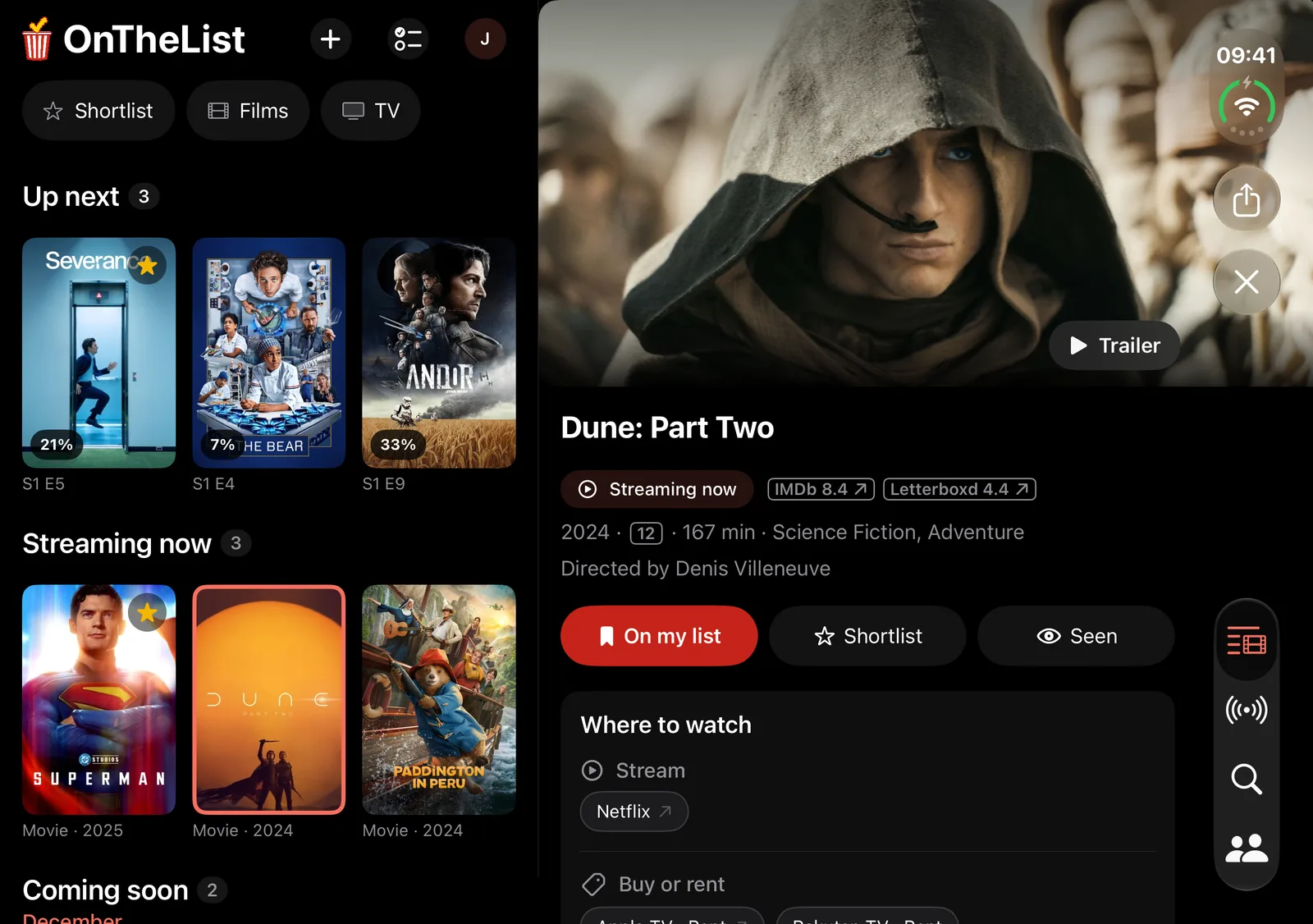
OnTheList on an open iPhone Duo: your list on one side of the fold and Dune: Part Two on the other.

OnTheList on iPhone and iPad.

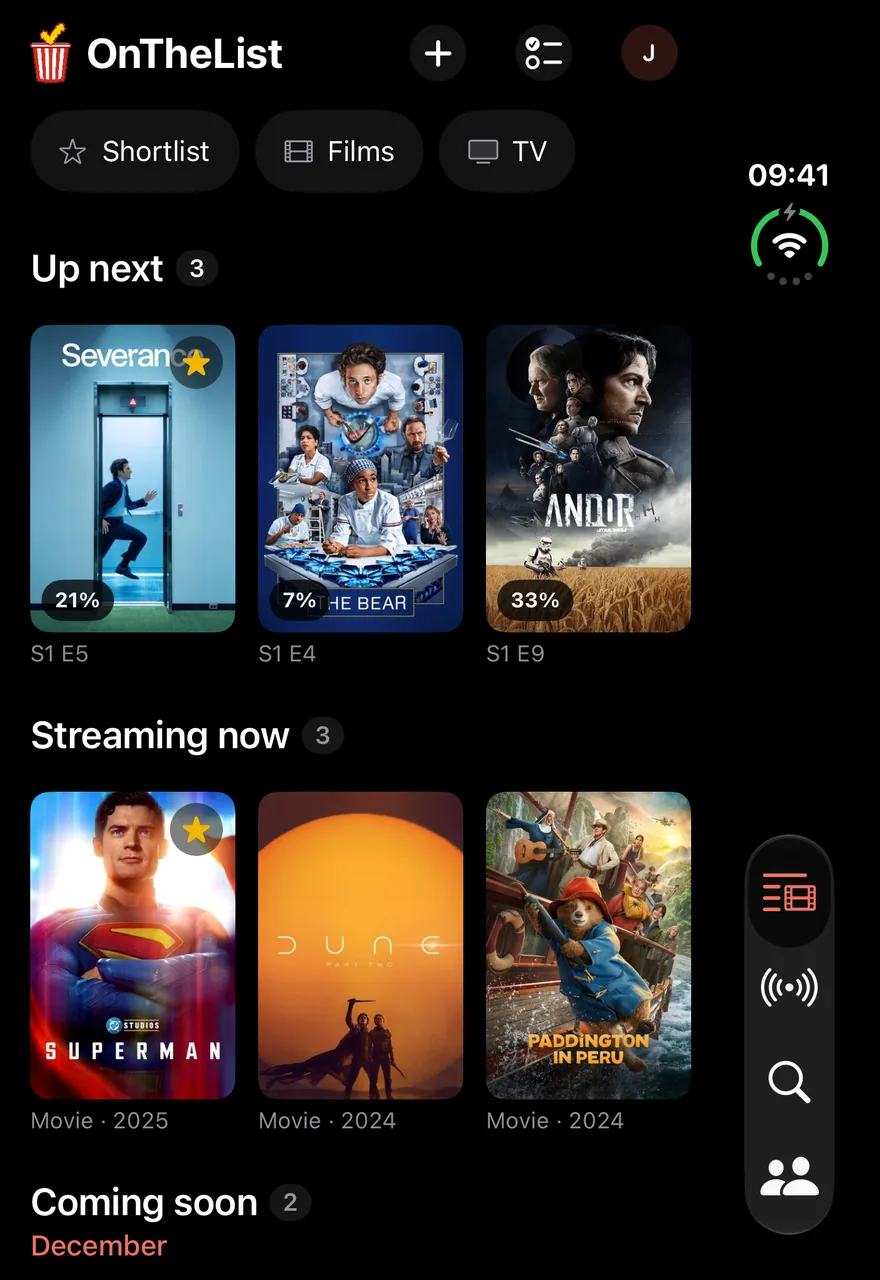
OnTheList on a closed iPhone Duo: your list, with Up next and Streaming now, and the tabs down the right-hand side.

Ready for iPhone Duo.

Open it, and your list and a title sit side by side. Close it, and it is the iPhone app you know.
Widgets, Siri, Spotlight and more on iPhone.

  • Widgets on the Home Screen and Lock Screen: your shortlist, what's out next and your next episode.
  • Spotlight finds the titles you have saved.
  • Siri and Shortcuts: "Add Dune to my shortlist in OnTheList."
  • Quick actions: press and hold the app icon to search or log something you've seen.
  • Calendar: put a release date in your calendar.
  • Handoff: open a title on iPhone, carry on with it on iPad.
  • Your icon: choose the app icon, with dark and tinted versions.
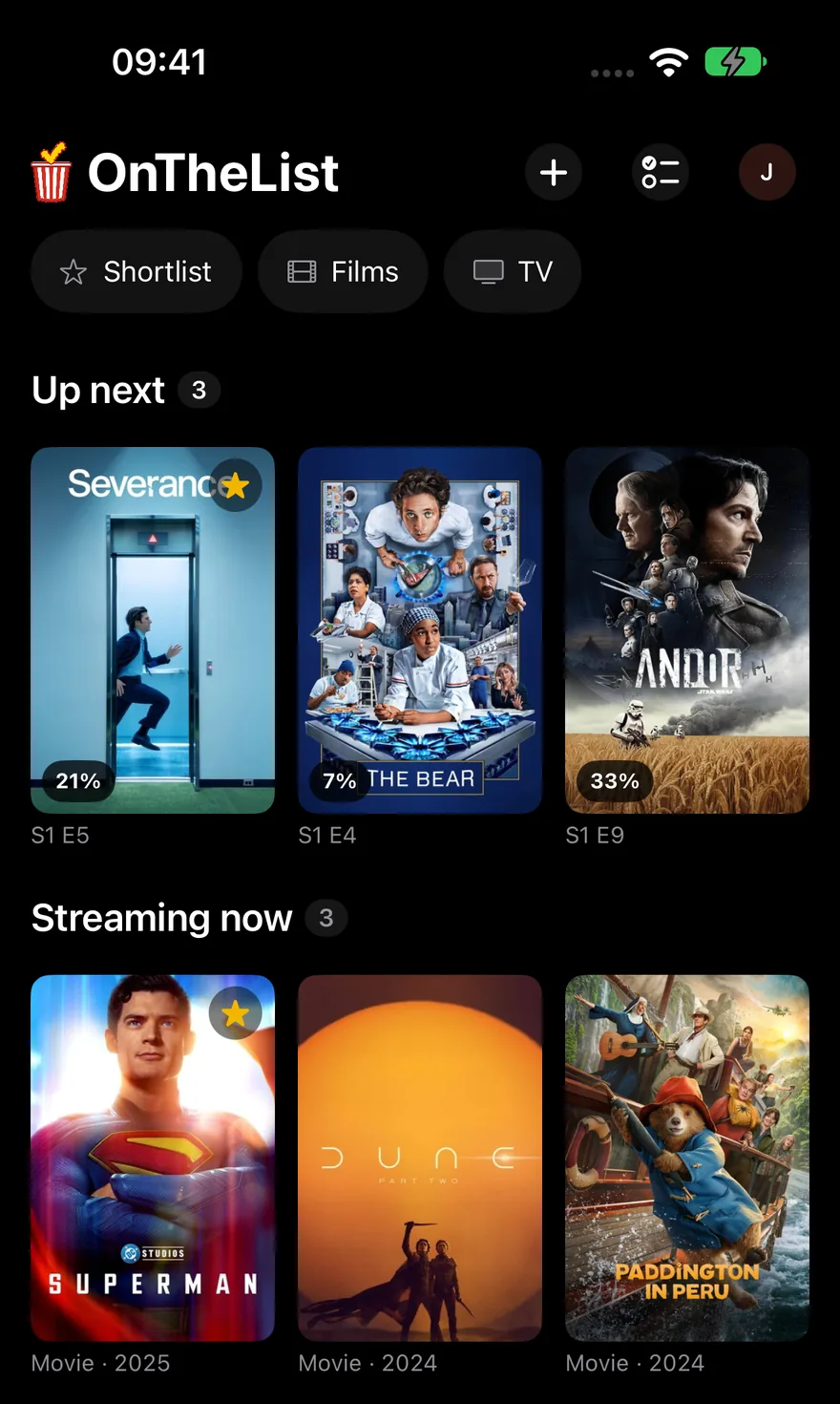
OnTheList on iPhone: your list, with Up next, Streaming now and Coming soon.
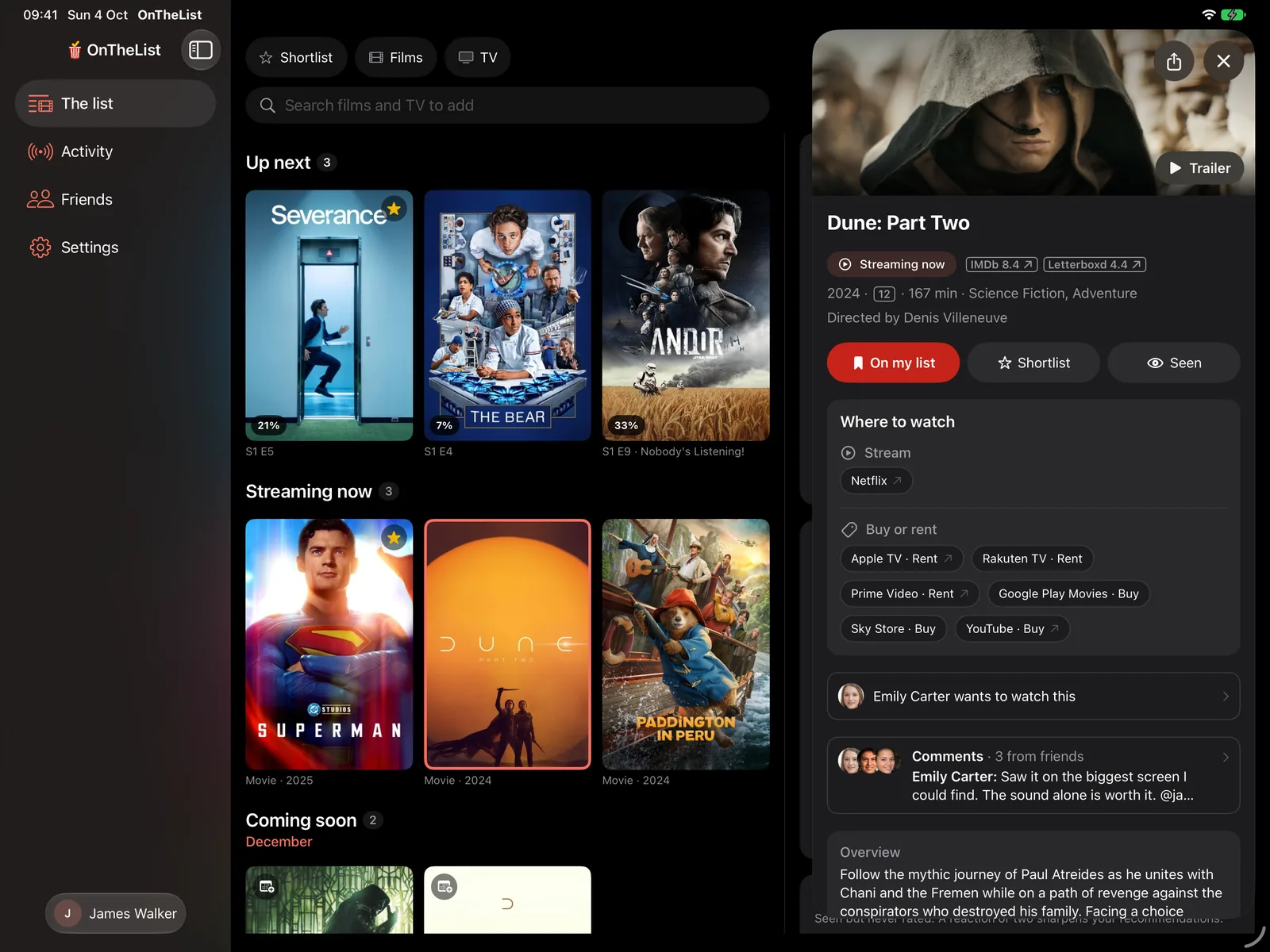
OnTheList on iPad: the sidebar, your list, and Dune: Part Two open beside it.

Your list and a title side by side on iPad.

A sidebar for The list, Activity and Friends, and a title opens beside your list.
  • Keyboard shortcuts for the things you do most.
  • Trackpad: hover over a poster to mark it seen or shortlist it.

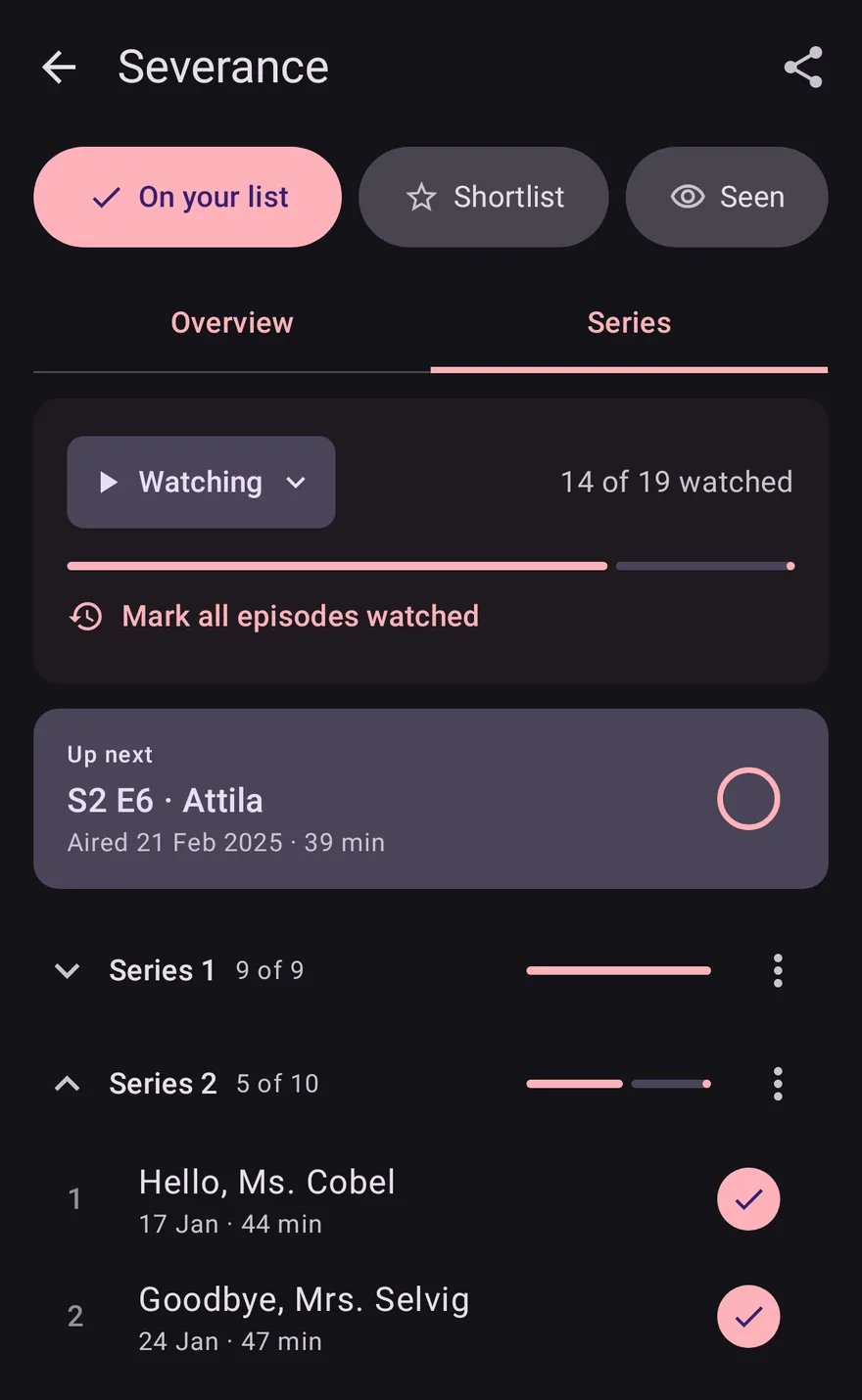
OnTheList on Android phones, foldables, tablets and desktops.

A show's Series tab in OnTheList on an Android phone, with the next episode under Up next and episodes ticked off.

Widgets, calendar dates and your choice of icon.

  • Three widgets: your shortlist, what's coming out next, and Up next, where you tick off your next episode without opening the app.
  • Calendar: a release date goes straight into your calendar.
  • Your icon: Default, Dark or Pride.

Your list and a title side by side on foldables and tablets.

Open a foldable or turn a tablet sideways: your list sits beside what to watch, and a title slides in while your list stays put.
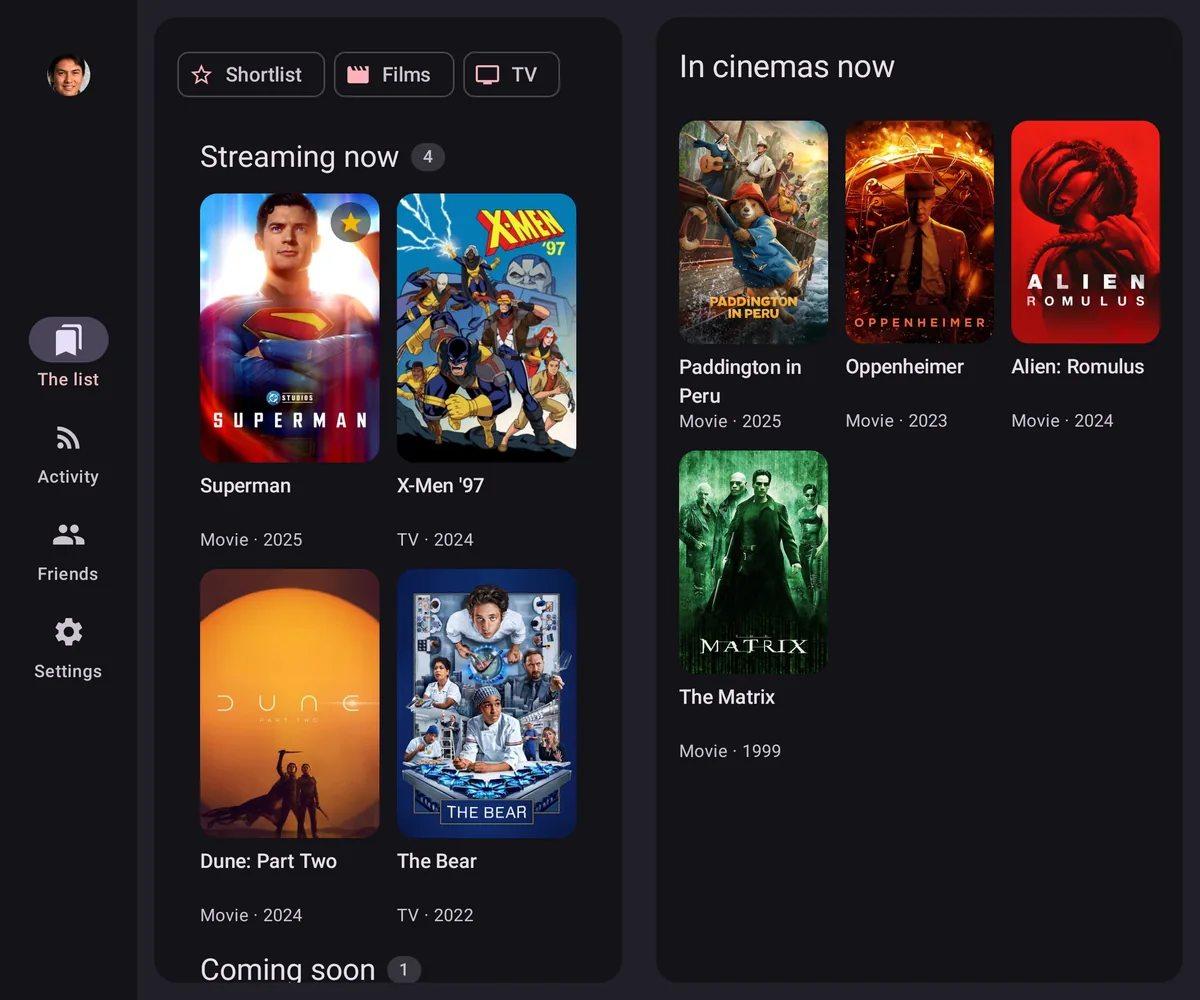
OnTheList on an open foldable: your list beside what is in cinemas now.
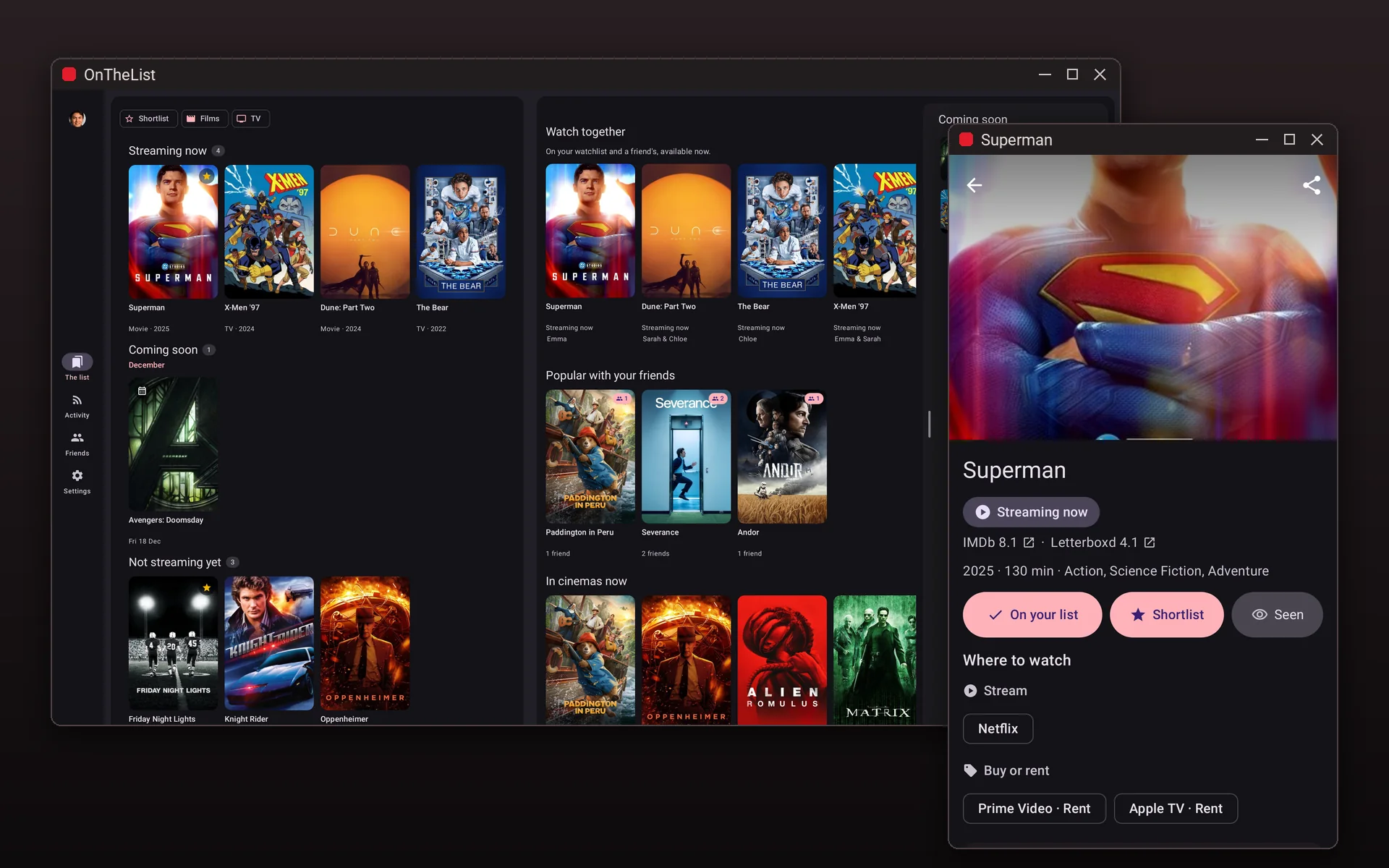
OnTheList on a desktop with two windows: your list in one, and Superman open in a window of its own.

Resizable windows, keyboard and mouse on desktops.

Your list, tonight's picks and what's coming next side by side, in a window you can resize.

  • Keyboard shortcuts for the things you do most.
  • Mouse and trackpad: right-click menus, actions on hover, and Ctrl-click to pick several titles.
  • Drag and drop: drag a coming-soon title onto your list.
  • Multiple windows: open any title in a window of its own. On wide screens, web links open beside the app.

OnTheList for Google TV.

Your list, on the big screen.

Questions about devices

Does OnTheList work on iPhone Duo?

Yes. Open it, and your list and a title sit side by side. Closed, it is the iPhone app you know.

Does OnTheList work on Googlebooks, Chromebooks and Samsung DeX?

Yes. It opens in a resizable window with your list, tonight's picks and what's coming next side by side. A keyboard and mouse work throughout, and a title can open in a window of its own.

Is there a Mac version?

No. OnTheList is for iPhone, iPad and Android.

Your list, on whatever you're holding.

Free on iPhone, iPad and Android. Save what you want to watch, and see where to watch it.

Free · US & UK · Sign in with Google or Apple